Translate both ways
Choose Lao as the source or destination language. Enter text and read the result in the app.
Translate between Lao and your language. Type or speak, read the result, and listen where supported. Learn Lao when you want to go further.
No subscription needed for translation.
Android 7.0+ · Live translation needs internet.
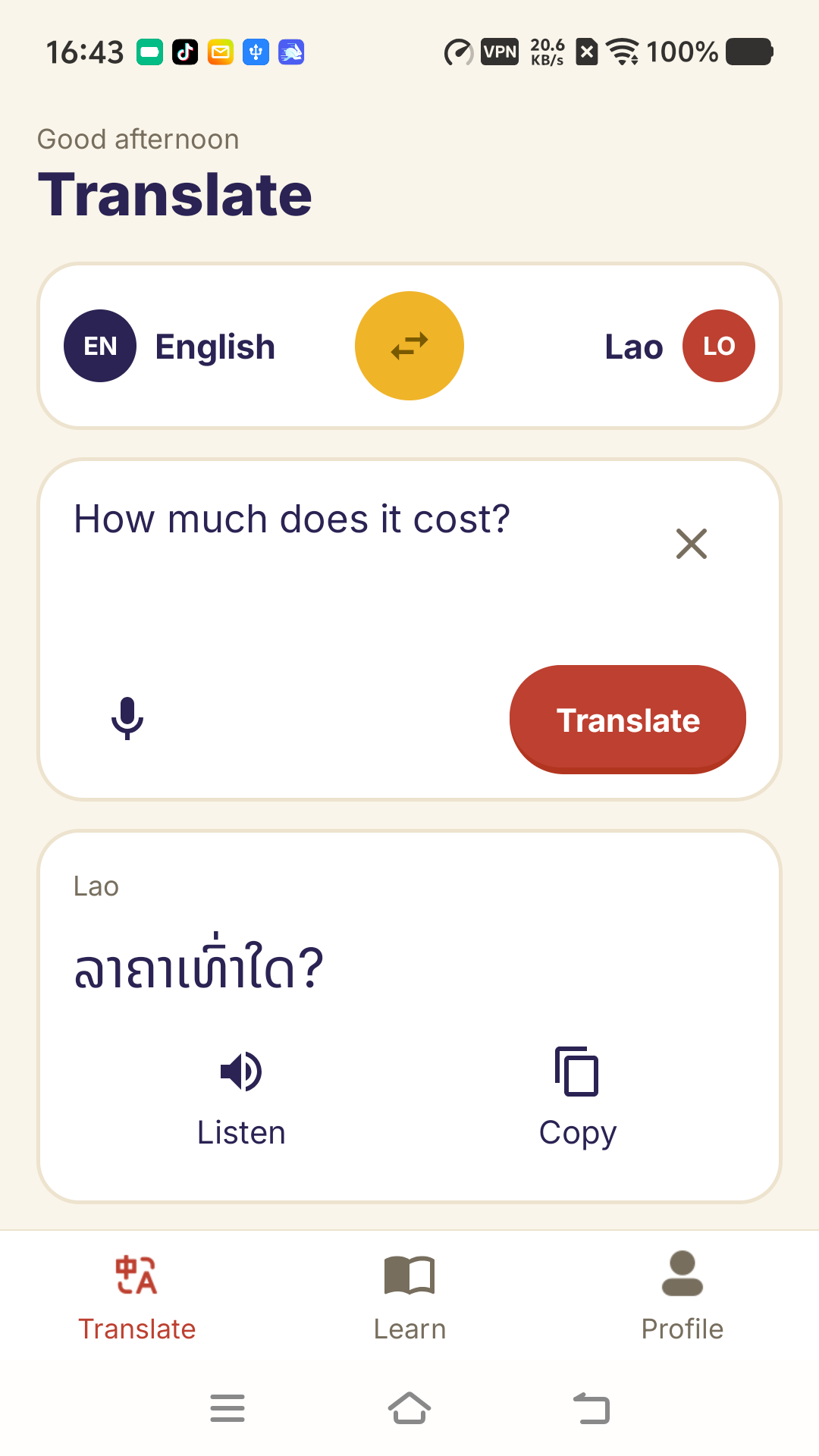
From a daily conversation to a useful phrase, start with the translation task you came for.
Choose Lao as the source or destination language. Enter text and read the result in the app.
Use your device speech recognition for voice input. Listen to results where language and device support allow.
Revisit your history and mark favorite translations on this device. Keep your frequently used expressions close.
See a Lao expression with pronunciation and meaning. Open the app to listen, translate or explore more.
Explore the appHello
Try a free five-word practice from an introductory lesson. Explore courses, recorded lesson audio, word cards and quizzes at your pace.
Practise a few words, see your result and return to words you missed.
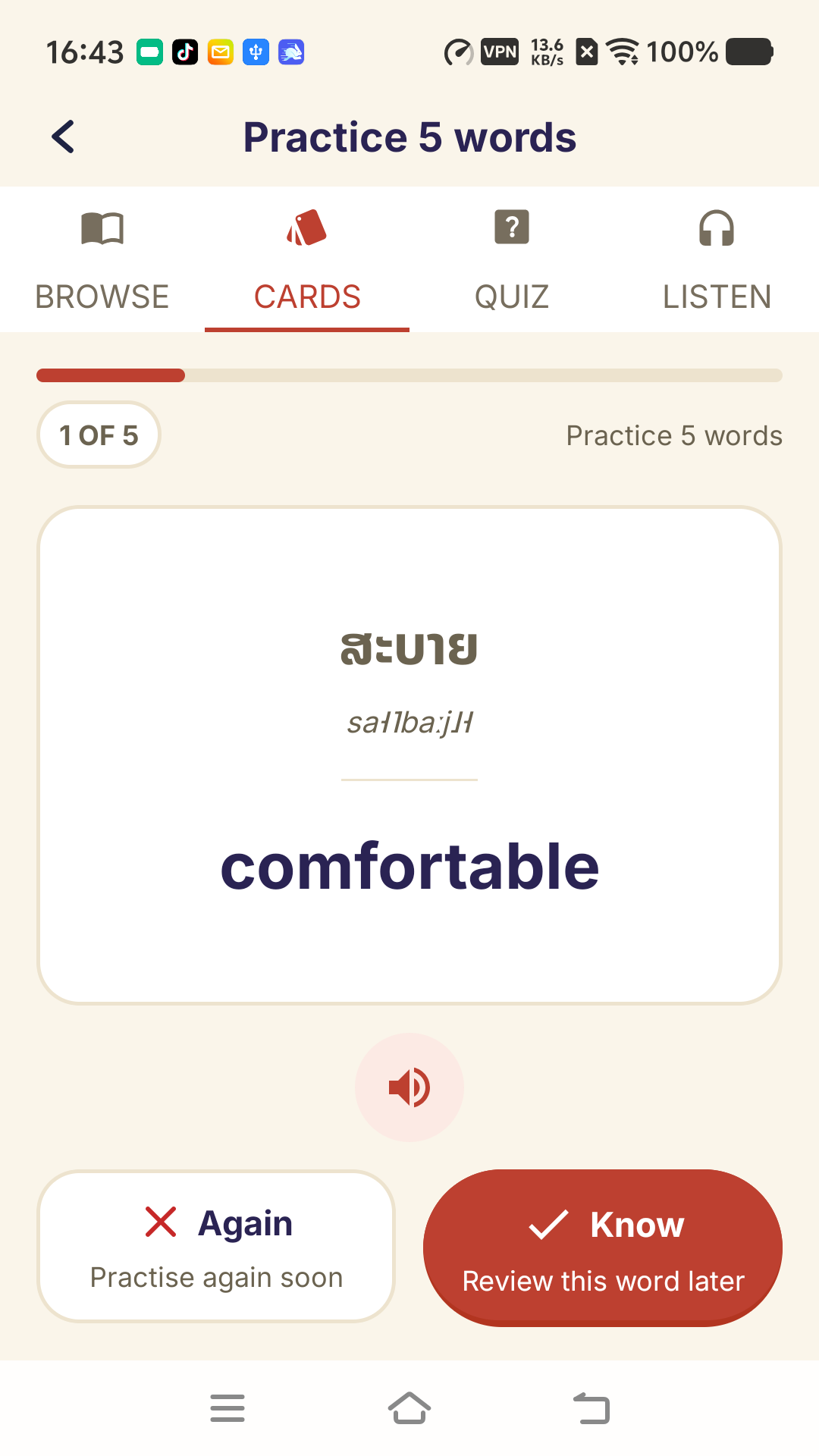
Explore Lao courses, vocabulary and the alphabet. Some courses and chapters require an optional subscription.
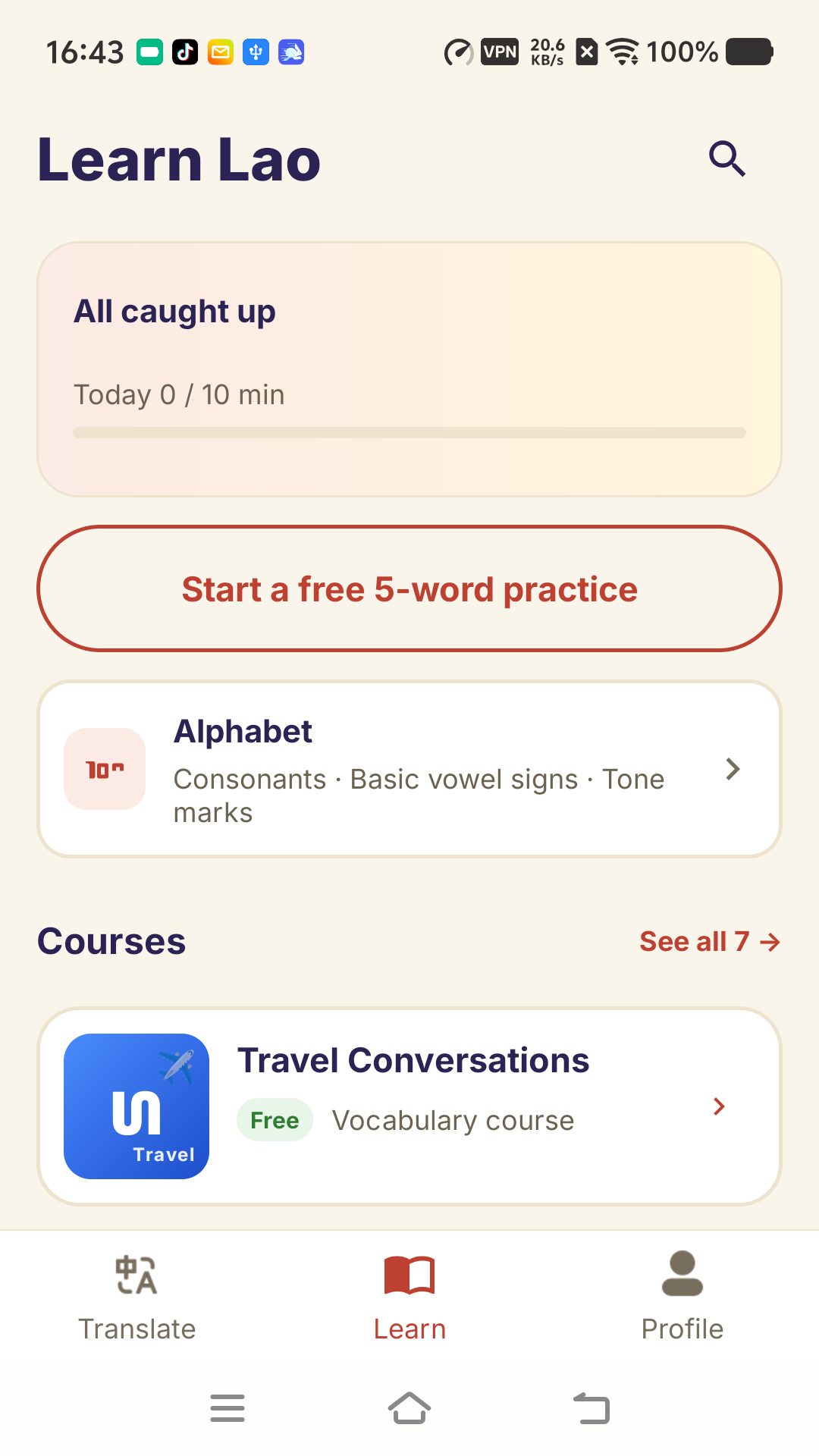
Some localized course explanations are machine-translated or may fall back to English.
Select translation or learning, then choose the languages you want to use.
Type a word or use voice input. Read, copy or listen to the translation in the app.
Find translations in your history, or continue a short Lao practice.
Yes. Choose Lao as the source and English as the target, or reverse the direction. Other available languages can be selected in the app.
Translation and free learning content are available without a subscription. An optional Google Play subscription unlocks premium courses and chapters. See current plans and billing periods in the app.
Live translation needs an internet connection. Your history can remain on the device. Speech recognition and audio playback depend on language, device and network support.
You can use translation as a guest. Sign-in is optional for supported learning sync and restoring verified premium access. Translation-history sync is a separate choice.
This website introduces the LaoLingo Android app. Download it from Google Play to use text and voice translation.
The app supports English, Simplified and Traditional Chinese, Thai, Vietnamese, Korean, Japanese and Lao interfaces. Translation-language availability and course explanation coverage vary.
Get LaoLingo for Android. Start with a translation or a short Lao practice.